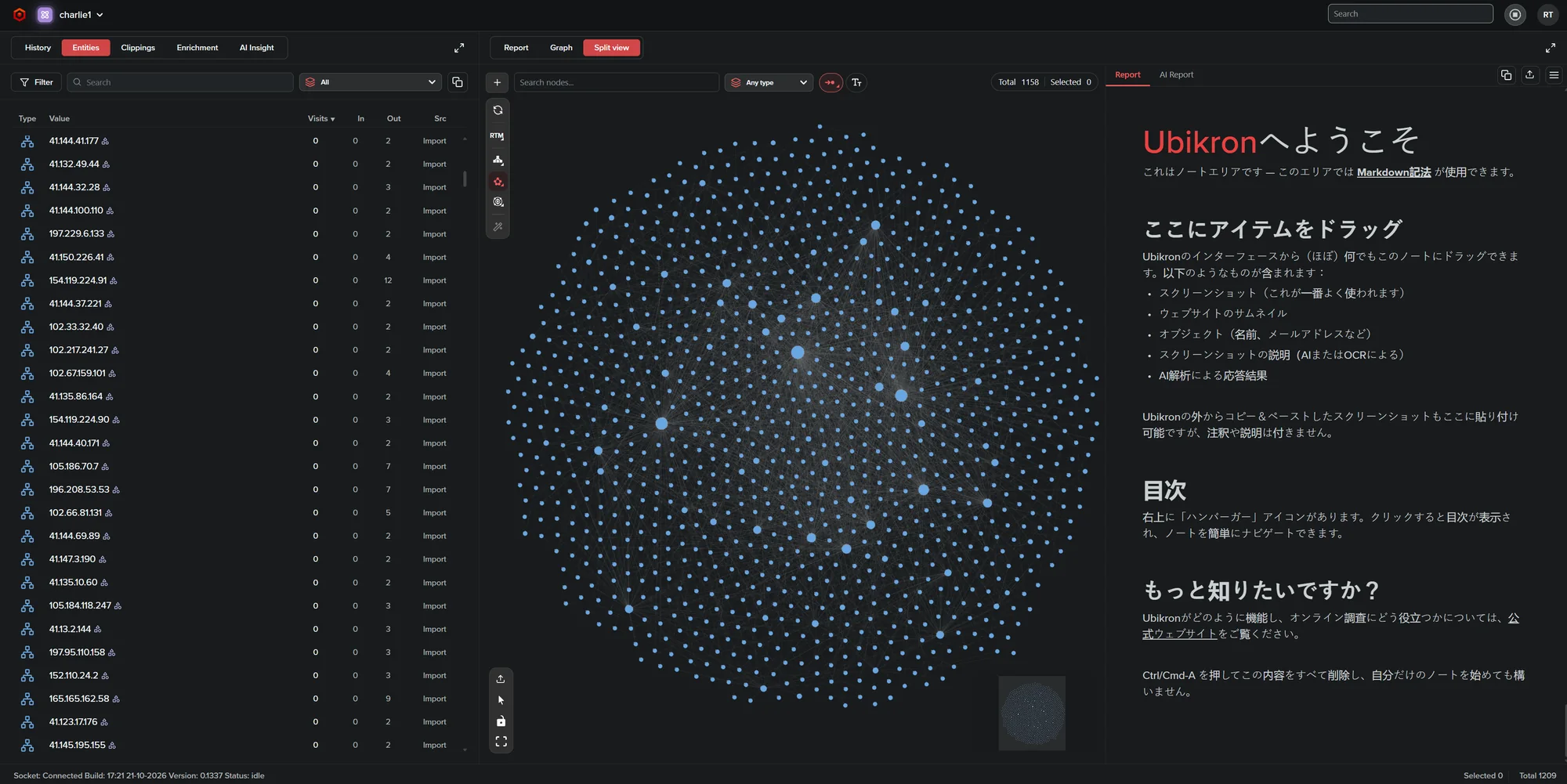
How Ubikron works
An extension that records, a server that remembers, and a workspace to make sense of it.
Every page, as you saw it
Browse normally. Ubikron keeps the text, a screenshot and the time of every page. Mark a page as important and it saves the full page too. PDF and MHTML downloads get a SHA-256 hash, and so does every clipping.
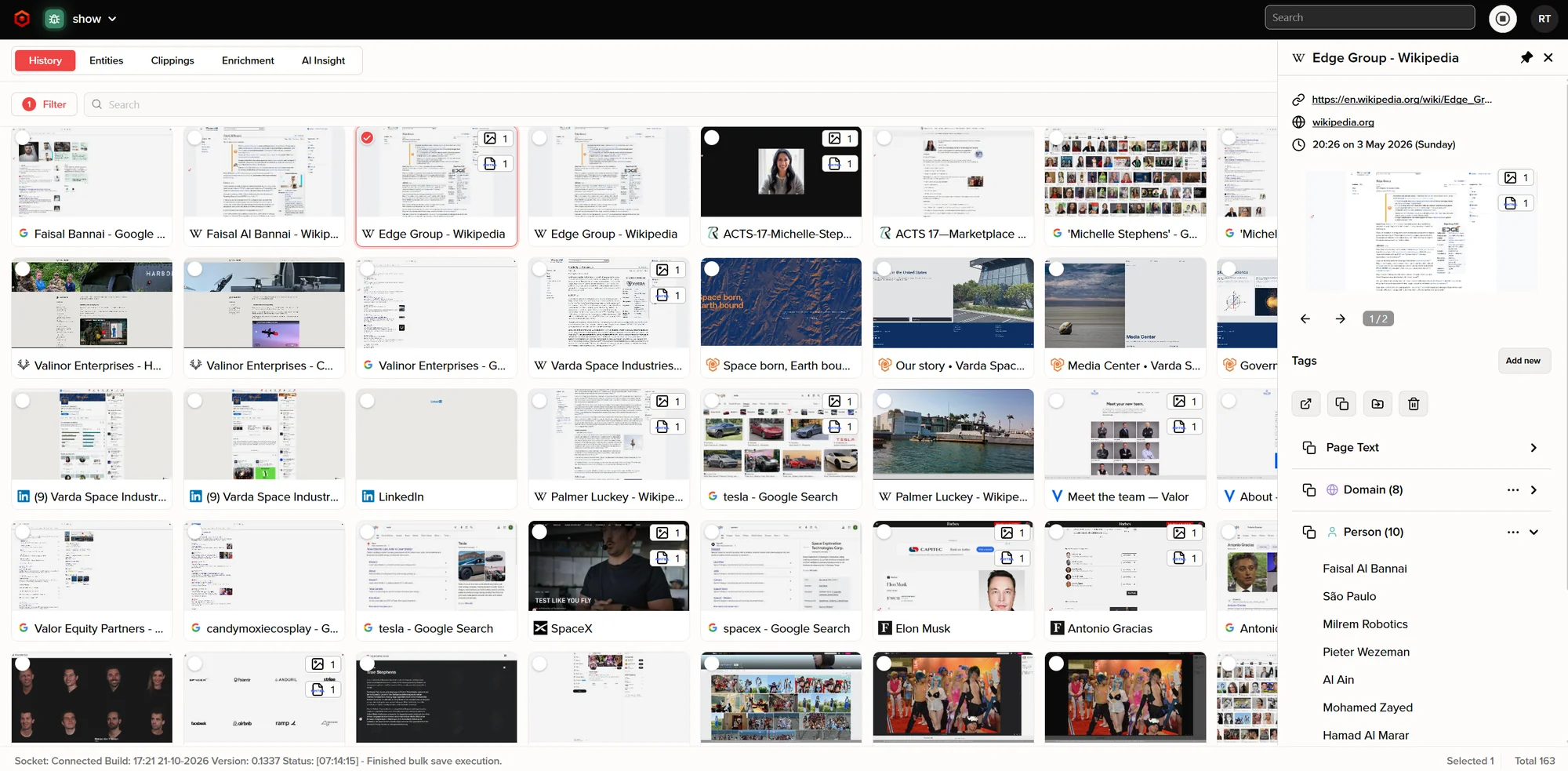
- AEvery page you visited
- BWhen you were there
- CThe text of the page
- DEntities found on the page
Search everything you've seen
Every word on every page is indexed, including text in images. Even if the site is gone.
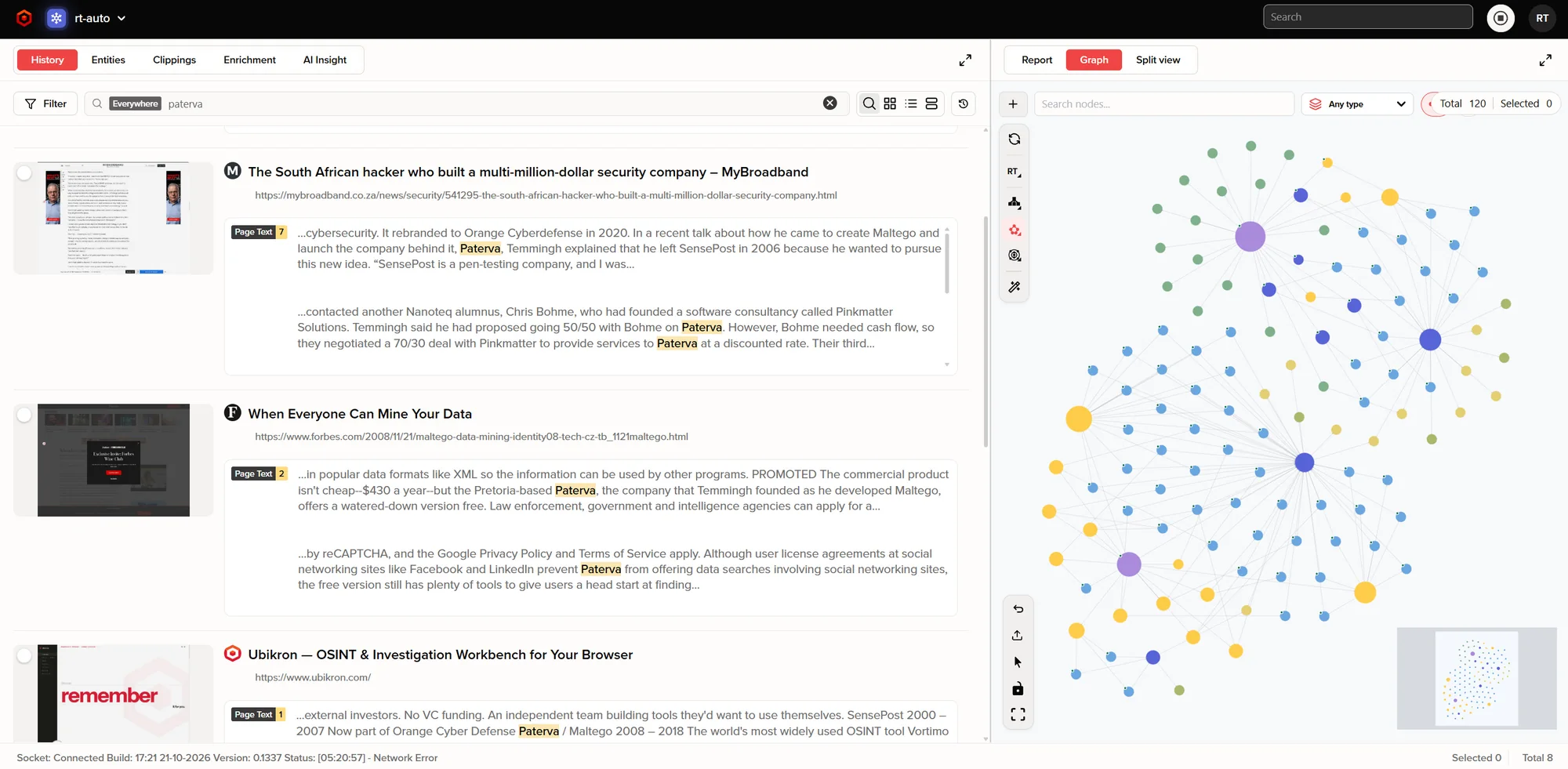
- AOne search, everywhere
- BThe page as you saw it
- CEvery match, in context
- DThe graph stays in view
Entities appear while you browse
Emails, phone numbers, domains, IPs, wallets, people and companies. Drag one onto the graph, or enrich it.
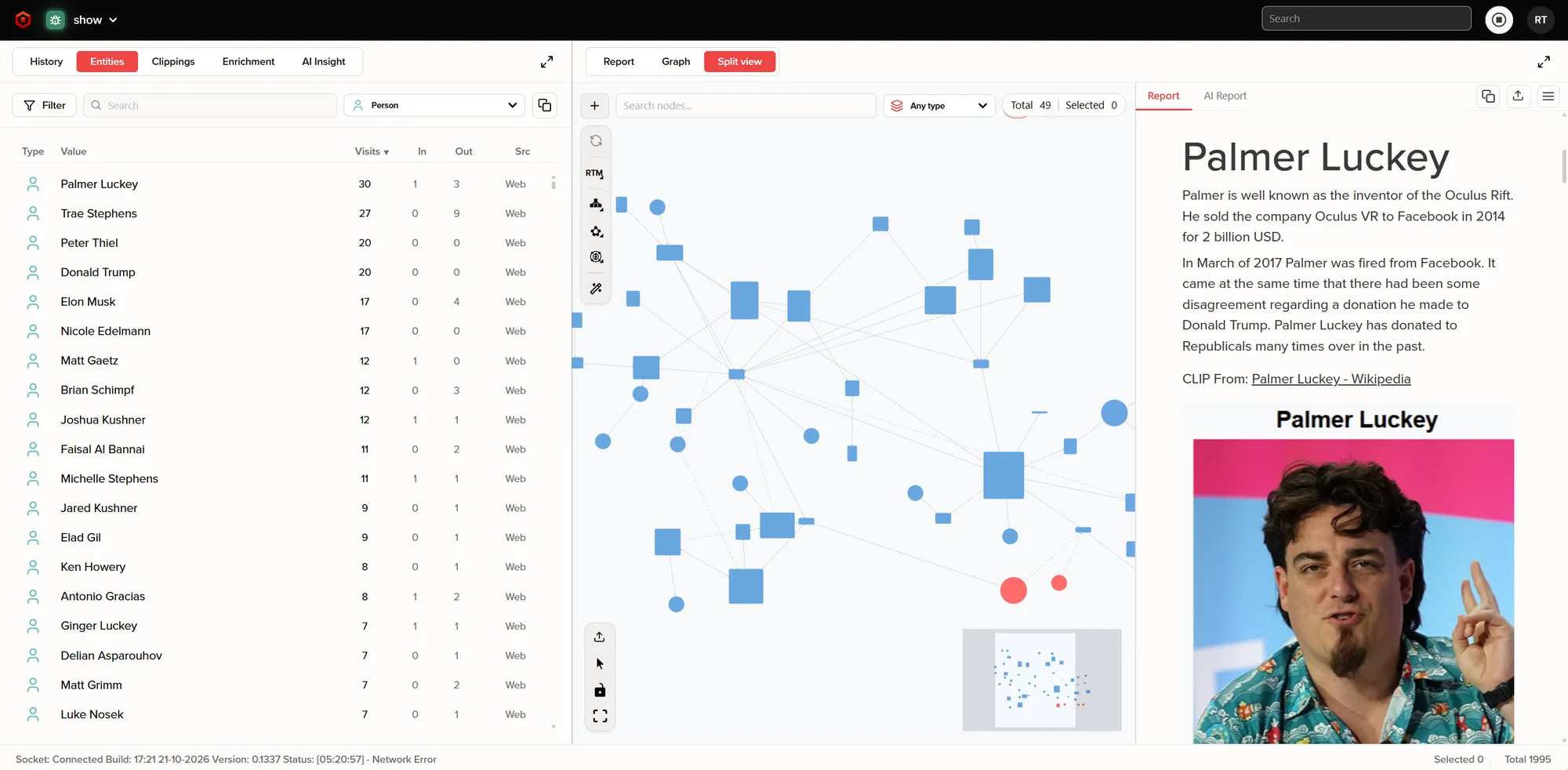
- ASorted by visits
- BDrag any of them onto the graph
- CYour report and the AI report
Your report shows the finding, not the struggle
Clip anything, add a note, drag it into the report. Every clipping remembers where it came from.
The AI writes in its own section. You take what you want from it.
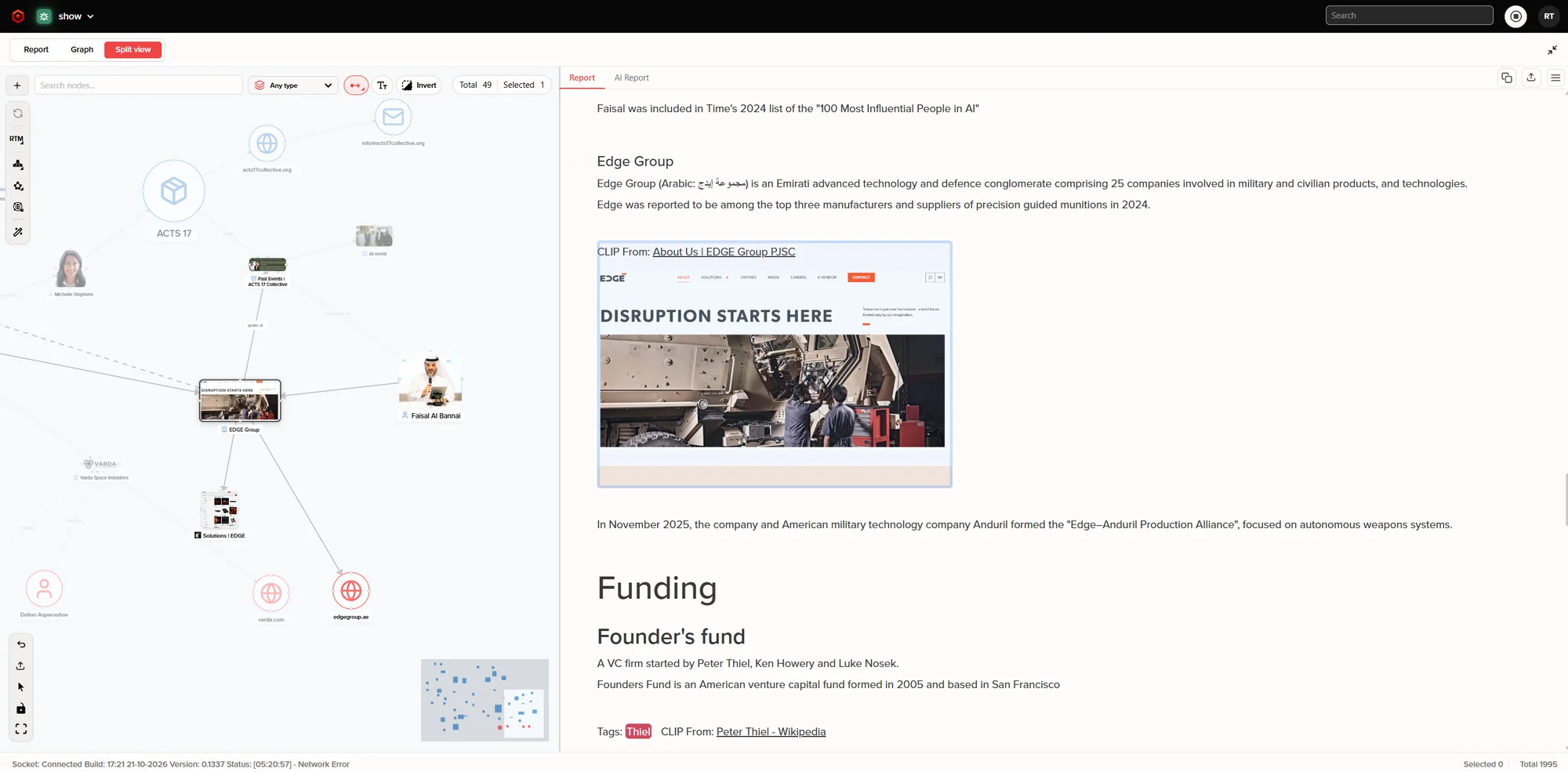
- APages and images as nodes
- BEach clip keeps its source
- CTags
Draw the connections yourself, or let the evidence draw them
Typed nodes, built by hand, from enrichments, or with AI. Add your own entity types: one user built a movie directory.
Press + to enrich anything
The result lands on the graph and stays in the case. About twenty sources at launch:
Need a source we don't have, public or internal? On a private server, Mimic brings any API into Ubikron, usually in about twenty minutes.
With AI switched on
Talk to your graph. The answers come from your own pages, notes and connections, and everything the AI does is recorded, so you can check its work.
Pick it up months later
Pages, saves, notes, graph and report, exactly as you left them.
And the AI has read all of it, so you can ask where you were.
Light or dark, in your language
For the late shifts, and for teams that don't work in English.